Chat AI: Ask Agent Anything
- 4.5
- Rating
- 10.00M
- Installs
- Free
- Price

 Analysis by App-foxy
I opened Ask AI - Chat with AI Chatbot expecting a simple question-and-answer tool, but I found something more useful when treated as a flexible productivity companion. It is an Android productivity app from Deep Flow Apps, built around conversations with AI rather than a fixed collection of separate utilities. The basic idea is straightforward: I describe what I need, refine the request, and turn the response into something I can use for work, study, planning, or everyday decisions.
That simplicity is both its appeal and its main challenge. I do not have to learn a complicated dashboard before getting started, but the quality of the result depends heavily on how clearly I explain the task. Ask AI is free to install and suitable for Everyone, although in-app purchases range from $1.49 to $149.99 per item. I would therefore approach it as an accessible starting point for AI-assisted work, not as a promise that every answer will be complete or ready to use without checking.
From a vague need to a usable answer
I find the most useful way to approach this section is to start with a small, real household task rather than a grand plan: turning a rushed note into a clear shopping reminder, or drafting a message everyone can understand. That makes it easier to judge whether a chat-based assistant fits shared routines, before considering the boundaries and coordination that matter when more than one person uses the same device.
You May Also Like

 Blood Strike: 2.5 Anniversary
Blood Strike’s Loadouts Turn Every Drop Into a Tactical Gamble
A close look at Blood Strike’s custom loadouts: how fast access to signature weapons reshapes its battle royale rhythm, rewards preparation, and narrows the gap between fights.

 Pandora - Music & Podcasts
Pandora’s Music Is Easy to Start, but Harder to Recover
Pandora’s strength is its low-effort path from a seed to a station. Its weak spot is how much confidence it asks you to place in connection, setup, and quiet recovery.

 8 Ball Pool
 Is Built on Rivalries, Rematches, and Routine
A close look at the rivalries, rematches, shared routines, and unanswered safety questions that turn a quick pool match into a persistent mobile community.

 Samsung Music
’s Quiet Strength Is Playing What You Already Own
Its reach comes less from spectacle than from dependable access to a personal library. That simplicity is both the app’s strongest retention engine and its ceiling.

 AccuWeather: Weather Radar
AccuWeather Review: A Quick, Clear Forecast for Everyday Decisions
For everyday plans, the best forecast is the one you can understand quickly. AccuWeather makes rain timing, radar, and local conditions easy to act on, with a few trade-offs.

 Hill Climb Racing
Why Hill Climb Racing Still Turns Crashes Into One More Run
A tiny car, a bumpy hill and one more upgrade: Hill Climb Racing keeps resurfacing because its simple chaos makes every near-miss feel personal.
More From Our News Desk



Starting with the real problem
The best way to use this app is not to open it with the thought, “What can AI do for me?” I get better results when I begin with a specific situation. For example, if I need to prepare a polite message, compare two ideas, understand a difficult topic, or turn scattered notes into a plan, I can put that need into the chat. The app becomes more valuable when the conversation has a clear destination.
A realistic everyday workflow might start with a busy morning. I have several errands, a work deadline, and a long message that needs a calm reply. Instead of asking for a generic “daily plan,” I would explain the available time, the fixed appointment, the urgent task, and the tone I want in the message. That gives the assistant enough context to produce something practical rather than a motivational list that ignores my schedule.
I also found that the first prompt should include the intended audience and format whenever those details matter. “Explain this” is weaker than “explain this for a beginner in five short points.” Likewise, asking for a draft email with a friendly but professional tone is more useful than simply requesting an email. These small choices reduce the amount of editing required later.
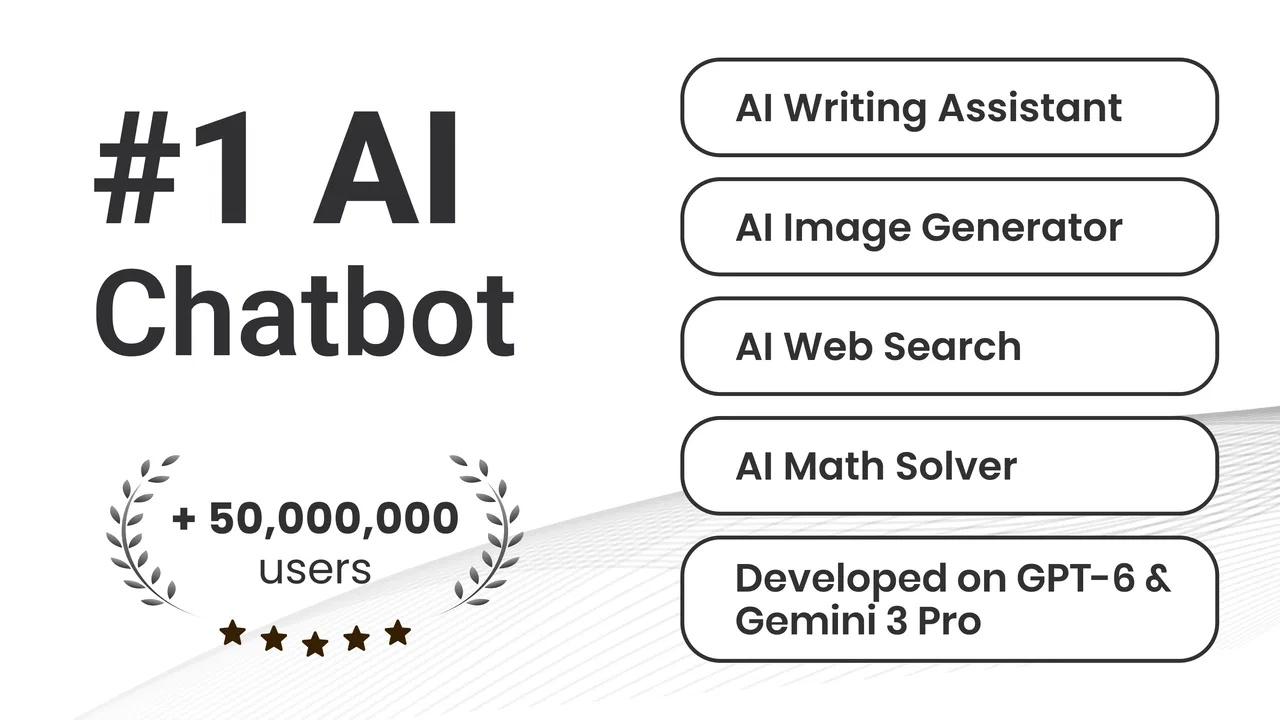
The app’s store summary presents it as a chatbot and smart assistant powered by multiple AI models. In practical terms, that makes it worth trying for different kinds of questions, but it does not remove the need for judgment. I still treat answers as working material. For facts that affect money, health, legal decisions, school submissions, or professional commitments, I verify the response elsewhere before acting on it.
Building the first request
My preferred approach is to give Ask AI three pieces of information: the situation, the desired result, and the limits. The situation explains what I am dealing with. The desired result tells it what to produce. The limits cover length, tone, audience, deadline, or anything that must be avoided. This structure is simple enough for a first-time user and makes follow-up messages much more focused.
For instance, I might ask it to transform rough meeting notes into a short action list, separating tasks from open questions. If the first response mixes the two, I can correct the instruction instead of starting over. That conversational handoff is one of the app’s strongest practical qualities: the work can move from brainstorming to editing without forcing me into a new tool for every stage.
There is also a useful trade-off here. A conversational interface feels natural, but it can hide the structure of the work. When I use a spreadsheet, calendar, or task manager, the fields themselves remind me what information is missing. In a chatbot, I have to supply that structure myself. Users who enjoy writing prompts will appreciate the freedom; users who want guided forms may find the experience less predictable.
Turning the response into a workflow
Once the first answer arrives, I do not regard the conversation as finished. I use follow-up instructions to narrow the result: shorten it, make it warmer, separate assumptions from facts, provide alternatives, or explain the difficult part in simpler language. This is where the app feels more useful than a one-shot search. The answer can evolve as I discover what I actually need.
A particularly effective habit is asking the assistant to show a proposed structure before asking for polished wording. If I am preparing a presentation, I can first request an outline, then ask for speaker notes only after the sections make sense. If I am planning study time, I can begin with topics and available hours, then adjust the plan when one subject takes longer than expected. This staged workflow helps prevent attractive but impractical output.
Another non-obvious use is using the chat as a “friction detector.” I can ask it to identify missing information in my request or list the assumptions it made. That does not guarantee that every assumption is correct, but it makes weak spots easier to notice. For complicated tasks, I would rather spend a minute exposing uncertainty than copy a confident answer that quietly rests on the wrong premise.
When several AI models are available behind the assistant, the practical benefit is flexibility rather than a reason to trust every response automatically. Different tasks may produce different results, and a polished answer is not necessarily a more accurate one. I judge the output by whether it meets my instructions, stays consistent, and can be checked against reliable sources.
Handoffs to the tools I already use
Ask AI works best as the thinking and drafting stage of a larger process. I might use it to create a checklist, then transfer that checklist into my task app. I might ask for a rough explanation, then confirm the details in a textbook or official website. I might draft a message in the chat, edit it in my usual writing app, and send it only after checking names, dates, and promises.
These handoffs are important because the chatbot is not a replacement for every productivity tool. A calendar is better for time-based commitments. A spreadsheet is better for calculations and structured comparisons. A notes app is better for long-term personal reference. Ask AI sits between these tools: it helps me decide what to write, how to organize it, or which questions to ask next.
I would also avoid treating a generated list as a completed project. If the assistant creates a set of tasks, I still need to decide which ones are realistic, assign deadlines, and place them somewhere I will actually see them. The app can reduce the blank-page problem, but the final handoff into my own system is what turns a response into progress.
This is especially relevant for students and office workers. A student can use the conversation to break a broad subject into review questions, but should still study the source material rather than memorize an unverified explanation. A professional can use it to prepare a first draft or meeting agenda, but should preserve their own judgment about priorities and confidential information.
What the finished result feels like
When I give enough context and refine the answer once or twice, the result can be genuinely useful. The app is good at helping me move from an unclear starting point to a workable draft. It can make a long task feel smaller by dividing it into steps, suggesting wording, or offering a different angle when I am stuck.
The strongest outcome is usually not a perfect final product. It is a better starting position. I may finish with a clearer outline, a cleaner message, a set of questions for further research, or a plan that I can adjust. That distinction matters because it sets a realistic expectation: Ask AI can accelerate thinking and preparation, but it does not remove the human work of checking, choosing, and completing.
For creative work, I like the ability to request alternatives instead of accepting the first suggestion. I can ask for a more direct version, a less formal version, or an approach aimed at a different audience. For learning, I can request examples and then ask the assistant to quiz me. For routine administration, I can turn a messy description into a checklist and review each item before moving it into my task system.
There is a useful privacy-minded habit I would recommend: describe the situation without including unnecessary personal details. If I need help drafting a workplace message, I can replace names and sensitive identifiers with neutral labels. If I am organizing a project, I can explain the structure without pasting confidential documents. This keeps the workflow useful while reducing the amount of information I place into a conversational tool.
Where the flow breaks
The main point of friction is reliability. A fluent answer can still contain an incorrect detail, overlook an important exception, or interpret my request too broadly. The more consequential the task, the more carefully I need to verify it. Ask AI is convenient for generating possibilities and drafts, but I would not use it as the sole authority for decisions that require professional accuracy.
It can also take several attempts to get the format right. If I want a very specific structure, I may need to restate the audience, length, and purpose. That is not a defect unique to this app, but it affects how quickly I can complete a task. People who prefer immediate, fixed answers may find the conversation slower than using a dedicated calculator, reference app, or template.
Another limitation is that a chatbot can encourage overproduction. It is easy to ask for more ideas, more versions, and more explanations when the real need is simply to choose one sensible option. I get better results when I set a stopping point: one outline, two alternatives, and a final edited draft. Without that discipline, the chat can become a source of extra reading instead of saved time.
The purchase model is worth considering before relying on the app heavily. The application is free, but optional purchases sit between $1.49 and $149.99 per item. I would start with ordinary tasks and decide whether the free experience fits my habits before spending anything. Anyone who wants a predictable, completely cost-free productivity setup should examine the available purchase prompts carefully and compare the app with tools that already meet their needs.
Compatibility is also straightforward but not universal across every device: the Android release requires Android 7.0 or later. The current version is 3.3.10, so users with older phones should check compatibility before planning around it. The app has been available since March 3, 2023, and its scale is clear from over 10 million installs, alongside a 4.4 average from around 1.1 million ratings and about 11 thousand reviews. Those figures suggest broad use, but they do not replace my own test of whether its answers suit a particular workflow.
Who should use it, and who should skip it
I would recommend Ask AI to someone who regularly faces blank pages, unclear tasks, or repetitive drafting. It is particularly helpful when I need to turn a rough thought into an outline, prepare questions before research, simplify an explanation, or explore several ways to phrase something. It is also a reasonable option for a person who wants one conversational place for varied requests instead of installing a separate tool for every small problem.
I would be more cautious about recommending it to someone seeking a fully automated task manager, a dependable reference database, or a specialist professional service. If the main need is recurring reminders, precise financial calculations, document version control, or authoritative technical guidance, a dedicated application is usually the better choice. Ask AI can support those workflows, but it should not be mistaken for the system that manages them.
It may also frustrate users who dislike experimenting with wording. The assistant is easy to open, but useful results often require a little back-and-forth. That is a fair exchange for flexibility, though not everyone wants to refine prompts. I would choose a more structured productivity app for someone who prefers checkboxes, forms, and predefined steps over open-ended conversation.
My final take after using the complete workflow
Ask AI works best when I treat it as a bridge between a problem and a finished piece of work. I bring the messy input, explain the outcome I want, refine the response, and then hand the useful parts to the tools and decisions that complete the job. That workflow makes the app more valuable than simply asking random questions, while also keeping its limitations visible.
Deep Flow Apps has made a flexible productivity assistant that is approachable for everyday users and broad enough to support writing, planning, learning, and idea development. Its free entry point and Everyone rating make it easy to try, and the large user base indicates that it has found a wide audience. Still, I would not confuse popularity or polished language with guaranteed correctness.
My recommendation is to use it as a thoughtful first draft partner, not as an unquestioned authority. Give it clear context, ask it to expose assumptions, verify important claims, and move the final result into the right dedicated tool. With that handoff discipline, the app can save time and reduce mental friction. Without it, the same convenience can produce extra editing or false confidence. For Android users who want a general-purpose AI conversation tool and are comfortable guiding the process, it is a worthwhile free starting point.
FAQs for Chat AI: Ask Agent Anything
01What is Ask AI - Chat with AI Chatbot used for?
Ask AI - Chat with AI Chatbot is designed to provide users with an intelligent conversational experience. Whether you need quick answers, personalized recommendations, or just someone to chat with, this app uses advanced AI algorithms to understand and respond to your queries in a human-like manner.
02Is Ask AI - Chat with AI Chatbot free to use?
Ask AI offers both free and premium features. The basic version allows you to enjoy standard chat functions, while the premium version unlocks advanced features such as enhanced response accuracy, priority support, and more personalized interactions. Subscription details can be found within the app.
03How does Ask AI ensure user privacy and data security?
User privacy is a top priority for Ask AI. The app employs robust encryption methods to protect your data. Additionally, the developers adhere to strict privacy policies, ensuring that your conversations remain confidential and are not shared with third parties without your consent.
04Can Ask AI - Chat with AI Chatbot understand multiple languages?
Yes, Ask AI is designed to understand and communicate in multiple languages. The app supports a wide range of languages, allowing users from different linguistic backgrounds to interact seamlessly. Language settings can be easily adjusted within the app’s settings menu.
05What devices are compatible with Ask AI - Chat with AI Chatbot?
Ask AI is compatible with both Android and iOS devices. It supports a range of operating system versions, ensuring that most smartphone and tablet users can install and enjoy the app. Specific compatibility details can be checked on the app’s download page in the respective app store.
Pros
- User-friendly interface
- easy navigation.
- Quick responses to varied queries.
- Supports multiple languages efficiently.
- Customizable chatbot personalities.
- Secure and respects user privacy.
Cons
- Occasional irrelevant responses.
- Limited offline functionality.
- Subscription for advanced features.
- No voice interaction capability.
- Requires stable internet connection.

Chat AI: Ask Agent Anything
Gallery